Unlock your World with US Unlocked!
Catch up on the latest deals, shopping tools,
and updates on virtual payments with US Unlocked!
-
How to Use Alipay
Right now Alipay can only be used for mainland China. The first step is to click the load button in the top left corner. Then select the amount that you would like to load onto your account. Once you select the amount that you want Click the preferred method you would like to use, and…
-

How to Use WeChat Pay
Right now WeChat Pay can only be used for mainland China. The first step is to click the load button in the top left corner. Then select the amount that you would like to load onto your account. Once you select the amount that you want Click the preferred method you would like to use,…
-
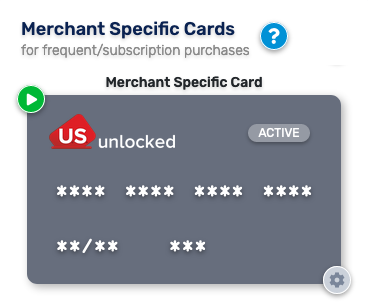
How to Use a Merchant-Specific Card and Manage Subscriptions
Key Things to Know for Merchant Specific Cards Can be used as many times as you’d like with the same merchant.Put a spending limit on the card! (Per charge, month or year)Locked to the first merchant they’re authorized with, but cannot be used with any other merchant. This ensures that a breach at one merchant…
-
How to load your card by bank transfer
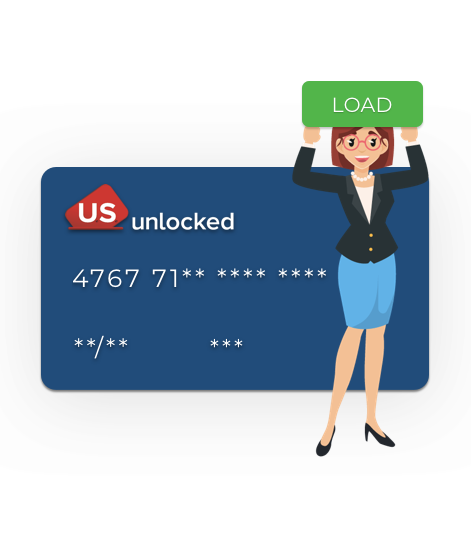
One of the most convenient ways to load your card is by bank transfer since you can use your online banking for it. If you are not sure how this will work. Have a look at these 4 easy steps: Go to the Dashboard page: click the “Load” button. 2. Enter the amount of money…
-
US Unlocked is Back
After a long-anticipated return, US Unlocked is back and better than ever! We have given the entire platform a facelift from our Consumer Facing Dashboard to our Backend Systems. The team has been hard at work in order to enable members a more seamless/secure experience when shopping US Merchants online. The US Unlocked dashboard has…
-
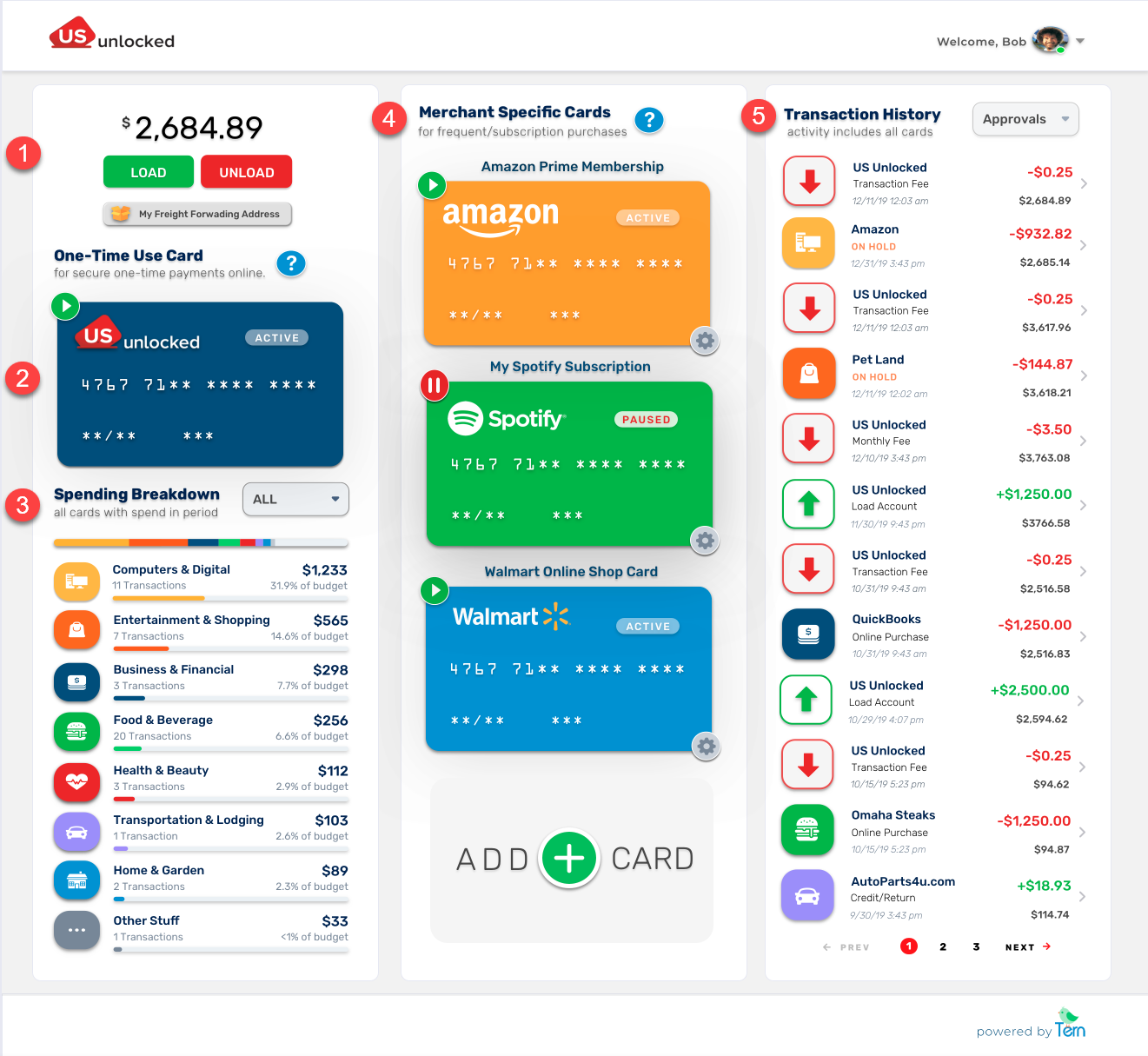
Your Dashboard Explained
In this article, we will be breaking down the US Unlocked Consumer Dashboard! Before Loading your US Unlocked Account your dashboard will resemble the screenshot below. To begin using your account and Virtual Payment Cards all you have to do is click the green load button located at the top left of the dashboard. After…